
First 10 minutes
How you work today
Tell us about your firm, the work you take on and the part of the job you want to improve.
A live walkthrough on Microsoft Teams
Bring a job you know. We’ll follow it from the quote and scaffold model through the gang schedule, site paperwork and final invoice.
One hour with our team. Bring your questions or use our demonstration job.
Loading demo availability…
Select a slot and enter your name, company and work email on the live calendar.
The slot is held for 15 minutes while you confirm. Check your junk folder if the email hasn’t arrived.
Your confirmed email includes the meeting link. Use the booking link if you need to move or cancel.
First 10 minutes
Tell us about your firm, the work you take on and the part of the job you want to improve.
Next 35 minutes
Follow the 3D proposal, schedule, site records and payment claim. We’ll spend more time on the steps that matter to your team.
Final 15 minutes
Ask about packages, setup and training. We’ll explain what is included and how to start a trial.
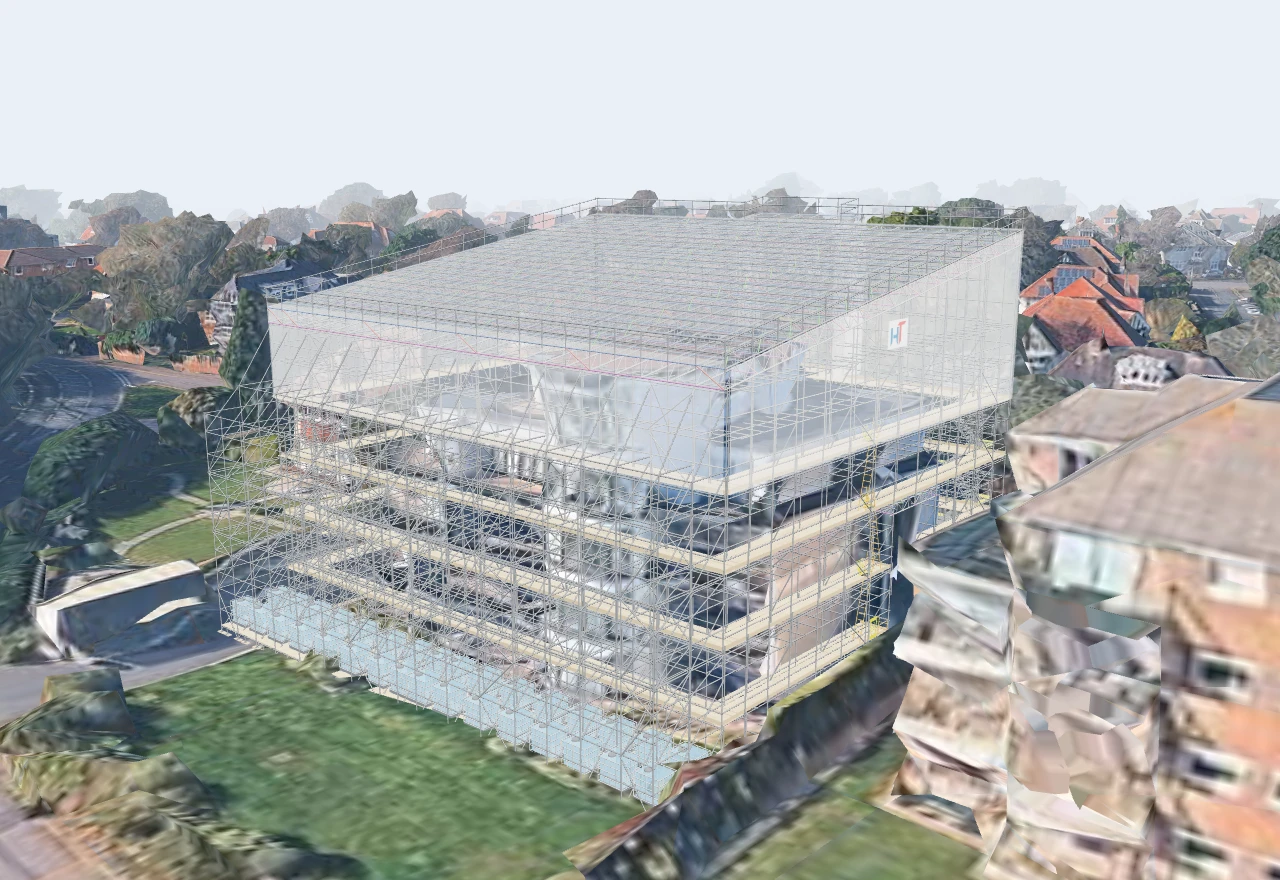
Show the scaffold alongside the quote and see the counted kit behind the price.
Explore 3D modelling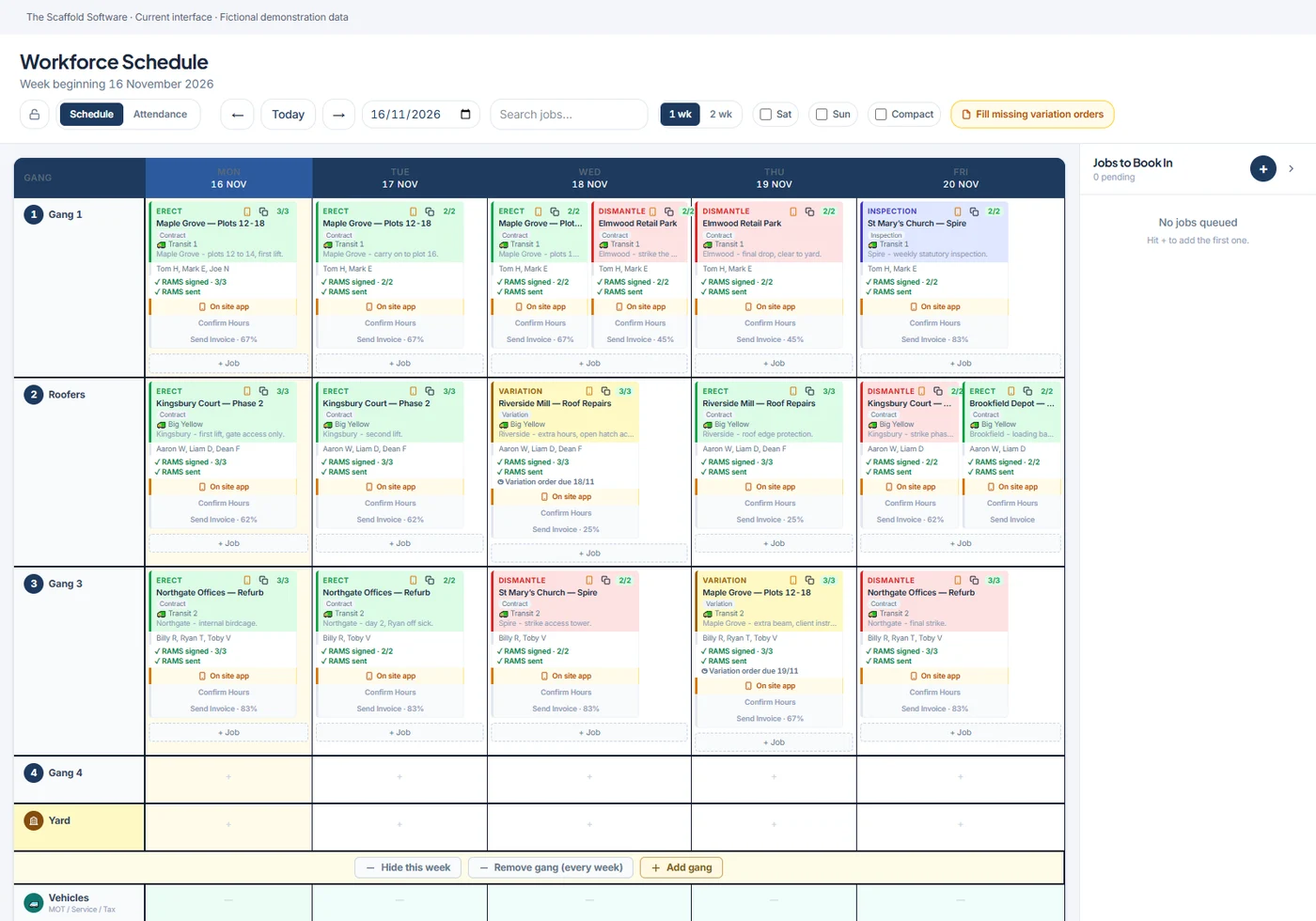
Follow a scheduled visit into the site app for RAMS, inspections, handovers and hours.
Explore site operations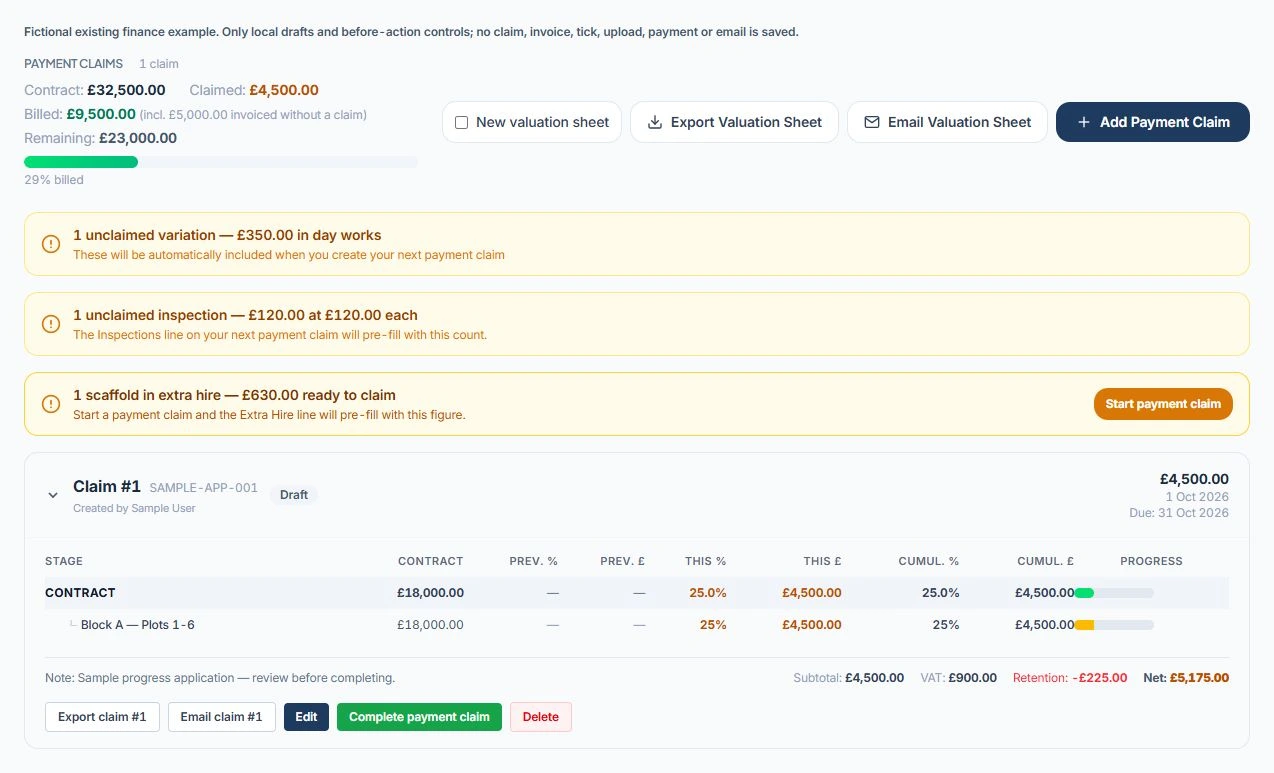
See variations, inspections and extra hire that still need claiming, and follow them through to invoicing.
Explore claims and invoicingNo. We can use a demonstration job. If you bring an example, remove sensitive client details first.
Yes. Choose the focus that’s closest to what you need and use the booking notes to tell us what to cover.
The modeller supports planning and quoting. Use an engineered design and competent-person checks wherever your project requires them.
You can start where your firm needs the most help. We’ll talk through the packages, importing your records and what to try first.
If you want to try the software, we can help you choose a seven-day management trial or a three-day standalone 3D trial. No card is needed.
We’ll walk through a job together on Microsoft Teams.